What to upload
Two files go in. Everything here is downloadable, so you can start from a working example rather than from a blank page.
1. The product file
A plain spreadsheet. Row 1 is the header row; every row after it is one product. Column order does not matter — the tool reads the header names, not the positions.
Both are filled with 12 made-up products that really work — upload one straight back to see the tool run.
| A | B | C | D | E | |
|---|---|---|---|---|---|
| 1 | Image URL | Name | Description | Price | Case Size |
| 2 | https://…/bolt.png | Hex Bolt M8 x 40 | Zinc-plated steel, DIN 933 | 0.42 | 200 |
| 3 | https://…/gloves.png | Nitrile Gloves, Blue | Powder-free, 4 mil, size L | 6.90 | 100 |
| 4 | https://…/tape.png | PTFE Thread Tape | 12mm x 12m | 0.85 | 50 |
The five columns
| Column | What goes in it | Also accepted as | |
|---|---|---|---|
Image URL |
required | A public link to the product photo. A photo on a white background works best — the tool trims the white away before placing it. | Image, Photo, Image Src, Picture |
Name |
required | The product name, printed under the photo. Two lines at most before the type starts shrinking. | Product, Title, Item |
Description |
optional | A short line under the name — spec, size, material. | Desc, Details, Subtitle |
Price |
optional | A bare number prints as £; a value already starting with $, €, ₹ and so on keeps its own symbol. |
Unit Price, Cost, RRP |
Case Size |
optional | A bare number prints as 24 per case. Anything else — 24 x 500ml — prints exactly as typed. |
Case, Pack, Pack Size, Quantity |
Rules worth knowing
- Header names are matched loosely — case, spaces, hyphens and underscores all fold together, so
Image_URLandimage urlare the same thing. Image URLmust be a publichttporhttpslink that opens without signing in. A Google Drive or Dropbox share page is not an image link; a file path from your own computer will not work either, because your computer is not on the internet from here.- A product whose image fails to load still gets a card — name, description and price, with a small no image in place of the photo.
- Completely empty rows are skipped, so gaps in the sheet are fine.
- Up to 400 products per file. Split a bigger list and run it twice.
- Saving as CSV from Excel is fine — commas, semicolons and Excel's odd encodings are all handled.
2. The template PDF
The template is your page design with the product boxes left empty — your header, your colours, your footer, and boxes where products should go. The tool renders the page, finds those boxes, and draws one product inside each of them. It never invents a layout: whatever you draw is what you get back.
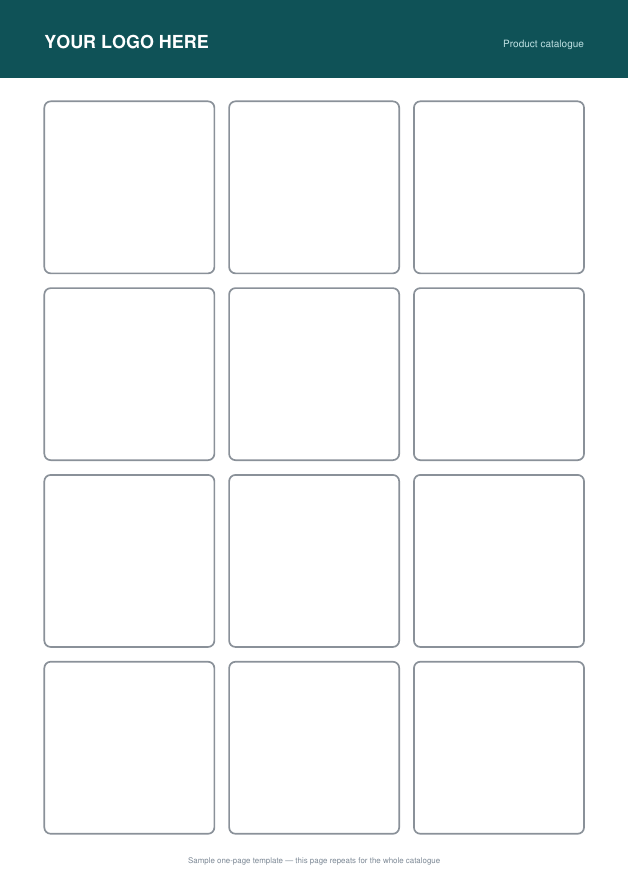
One-page template — the simplest option
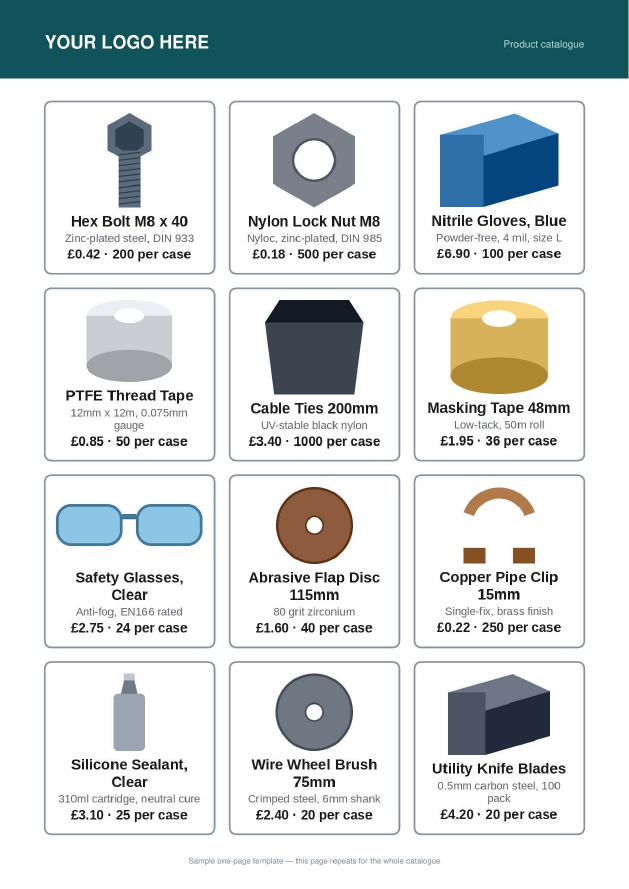
If you want a grid of products with your branding on it, one page is enough. Whatever is on that page appears on every page of the finished catalog, so keep the header to something that bears repeating.
Two-page template — a cover, then a page that repeats
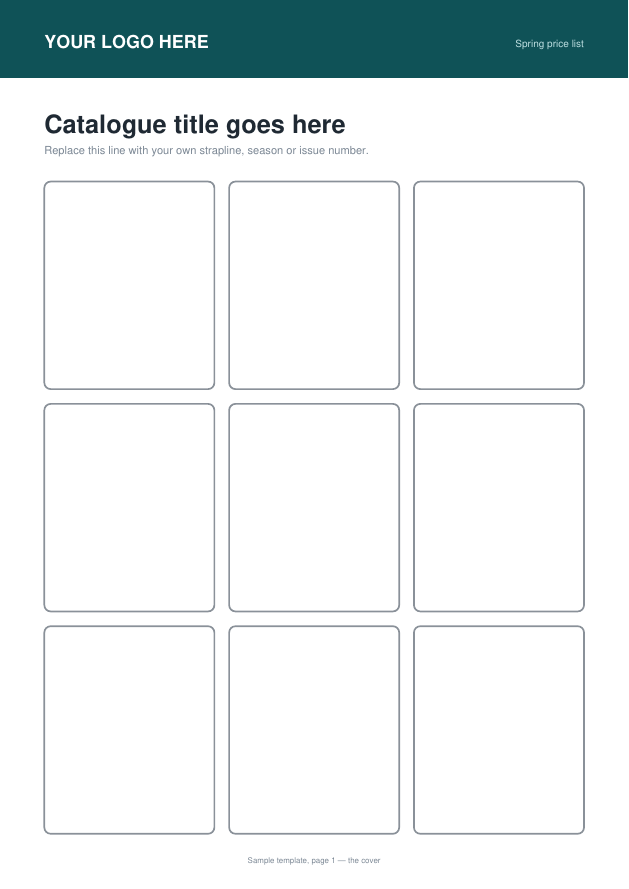
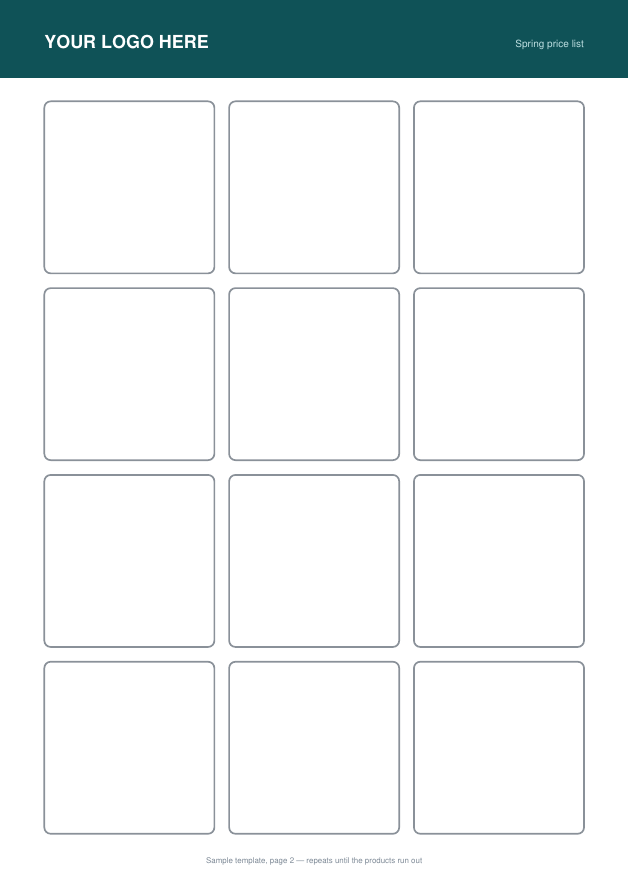
Use this when the first page should look different from the rest — a cover with room for a title, then a denser page that repeats for as long as the list needs.
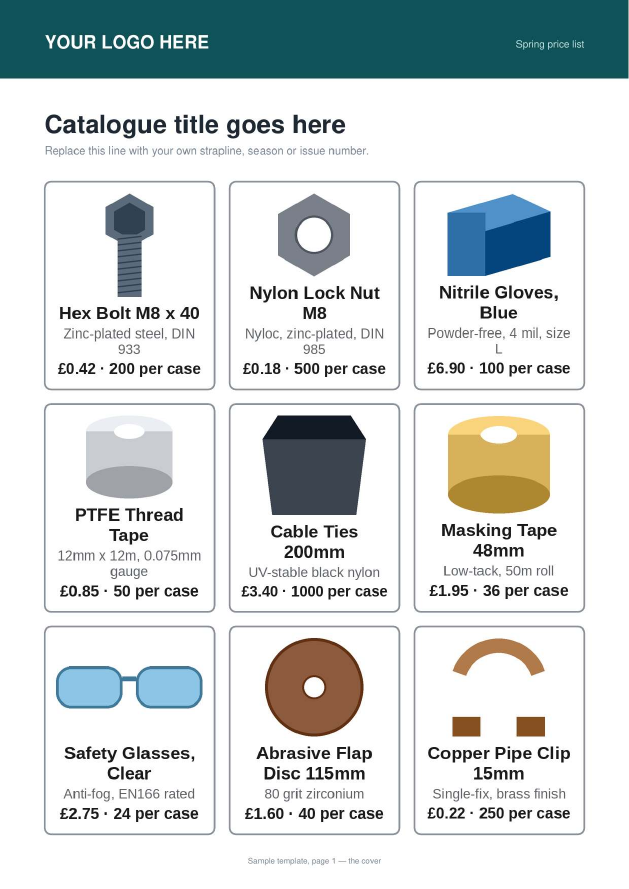
Both are A4. Open one in Illustrator, Canva, InDesign or Word, put your own artwork around the boxes, and export it back to PDF.
The rules a box has to follow
- Draw it as a visible outline. The tool finds boxes by looking for their edges. A box implied by white space is invisible to it. Keep the outline at roughly the weight in the samples — a hairline can fall below what a page render picks up.
- Leave it empty. A box counts only if it is drawn and still blank inside. That is deliberate: it is what stops a full-width banner or a dark footer strip from being treated as somewhere to put products.
- Give it some size. Anything narrower than about a fourteenth of the page width, or shorter than about a twentieth of its height, is ignored — otherwise every underline and table cell on the page would be a candidate.
- Any page size. A4, Letter, or something of your own. Boxes are found where they are, not where a template says they should be.
- At most 12 pages. This is the page design to repeat, not the finished catalog.
3. How pages are counted
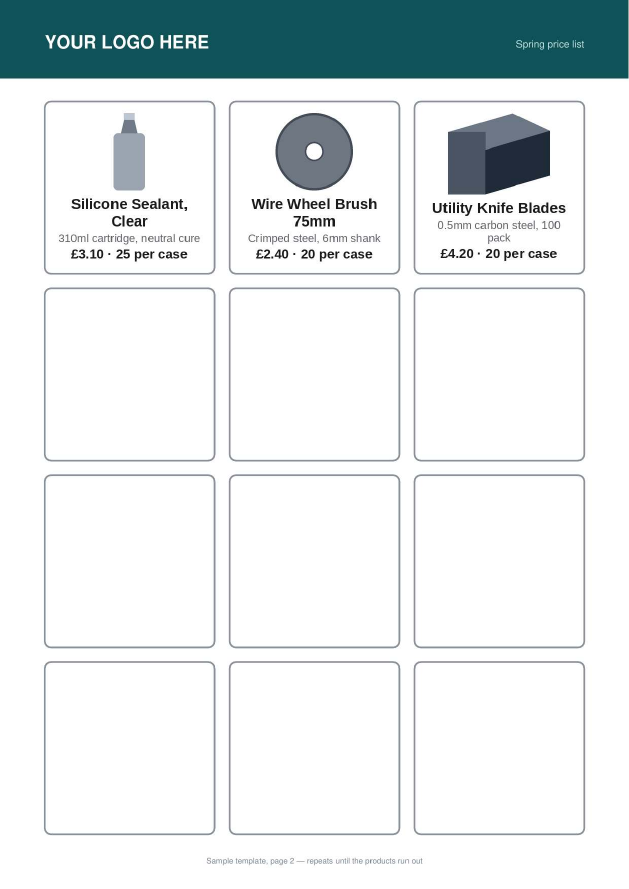
Products fill the boxes in reading order — left to right, top to bottom — and the template's pages are used in the order they appear. When the products outlast the template, the last page that has boxes on it repeats until they run out.
| Your template | What comes back |
|---|---|
| 1 page, 12 boxes, 30 products | 3 pages of the same design. The last has 6 boxes filled and 6 left empty. |
| 2 pages — a 9-box cover and a 12-box inner — with 30 products | The cover, then two of the inner page. |
| 3 pages, 30 products | Pages 1 and 2 once each, then page 3 as many times as needed. |
| A page with no boxes at all, in the middle | Passes through untouched — a full-page photo or a divider stays where you put it, and holds no products. |
4. What comes back
One PDF, downloaded straight to your device. Both pictures below are the sample product file run through a downloadable template, unedited — nothing was touched afterwards.
5. If it complains
| What it says | What to change |
|---|---|
| The product file needs Image URL and Name in row 1… | Row 1 of the product file is not the header row, or those two headers are spelled in a way the tool does not recognise. Compare it with the downloadable template. |
| That product file is empty | The sheet has no rows at all, or the first sheet in the workbook is the empty one. Row 1 has to be the headers. |
| No products were found under the header row | The headers are right but every row below them is blank. |
| No product boxes were found in that template | The boxes are not drawn as visible outlines, something is filling them, or they are too small. Start from a blank template above and redecorate around the boxes rather than moving them. |
| That template PDF could not be read | The file is damaged or is not really a PDF. Re-export it from whatever drew it. |
| That template has N pages… | You have uploaded a finished catalog rather than the page design to repeat. A template is at most 12 pages. |
| That file has more than 400 products | Split the list and run it twice. |
| Photos are missing from the finished PDF | The image links could not be opened from the internet. Paste one into a private browser window — if it does not show a picture on its own, the tool cannot read it either. |
| Someone else's catalog is generating right now | Exactly what it says — one catalog is built at a time. Wait a minute and press the button again. |